
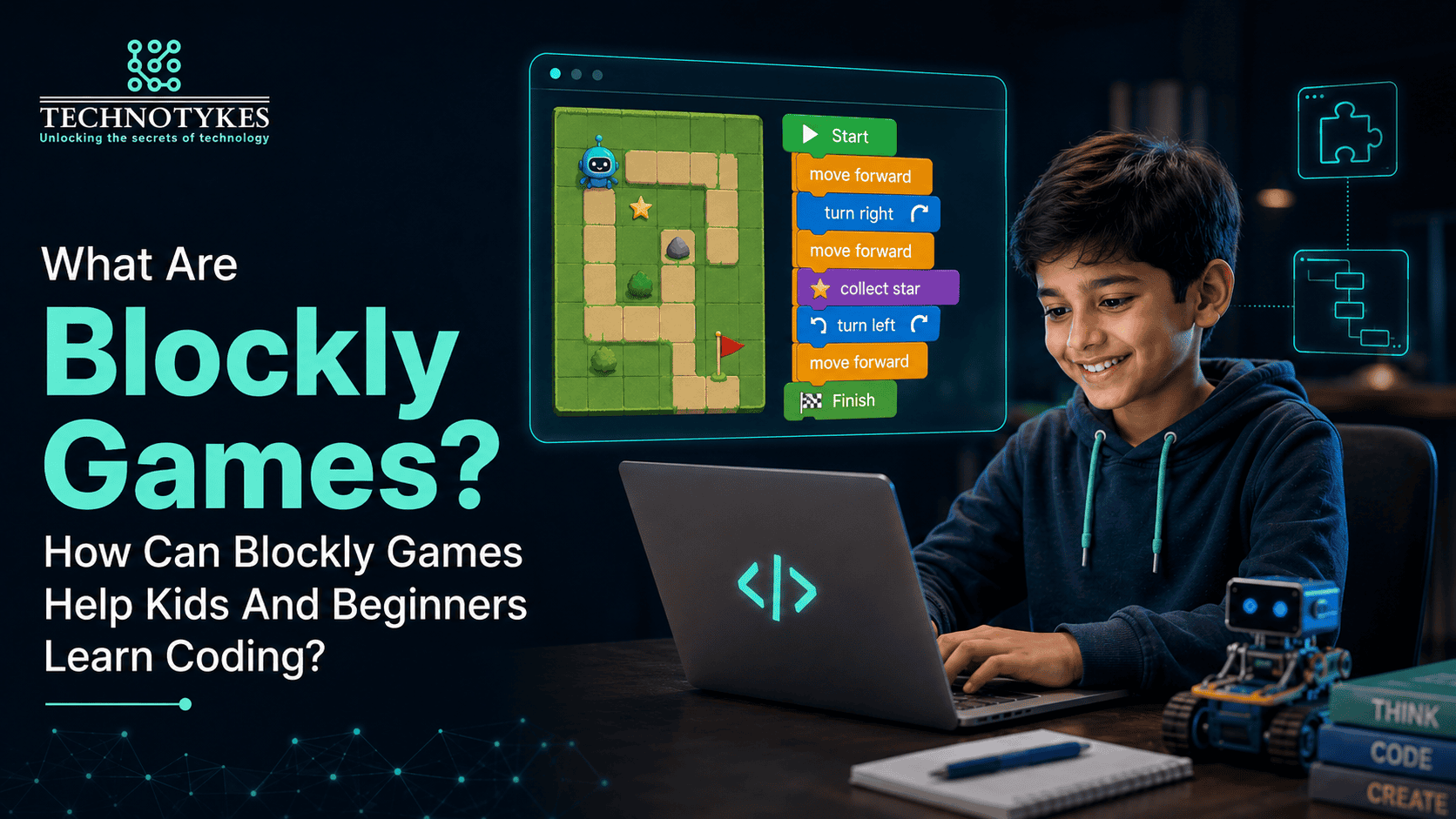

In block-based games, drag-and-drop blocks are designed to help kids and beginners learn coding. These games are among the easiest methods for kids and beginners to learn coding. Blockly games are helpful for children to understand programming concepts without writing a single line of code. Blockly games are interesting and easy, as there is no need to type code on blank pages compared to other advanced programming languages. For parents who want to introduce coding to their child at an early age, Blockly games provide a perfect platform for learning and fun. Without getting bored, kids can play, experiment, and build solutions that help them develop essential thinking skills. Blockly coding does not mean that kids just drag and drop the blocks without even thinking; they have to think for a while before choosing which block they can use for which functions. Instead of typing complex code, children have to connect visual blocks to create instructions and solve the puzzles.
How Blockly Games Are Helpful For Kids?
Visual Learning Makes Coding Simple
Instead of writing complex commands, Blockly Games provides a platform for children where coding blocks are highly visual. Without typing lines of code, loops, and instructions, children play with colourful blocks that represent actions such as moving forward and repeating steps. These blocks help kids understand how coding works step by step, and how one instruction connects to the next visual block.
Learning Feels Like Playing
Blockly games are designed in such a way that children have to solve puzzles and game challenges as they feel they are playing games instead of learning technical skills. In each level of the games, they solve small problems, and every correct solution feels rewarding for them.
Builds Logical Thinking
Another reason kids use Blockly games is that visual block activities build logical thinking in kids as they think carefully before using blocks. What should happen first, what should happen next, and what changes can they make if the result goes wrong? All these questions increase their logical reasoning.
Beginners Friendly
Blockly games are effective for beginners because there is no prior coding knowledge required to learn block-based coding. When kids solve puzzles in different levels, they learn gradually, beginning with simple actions and then more advanced ideas such as syntax, loops, and instructions.
Instant Feedback
Children enjoy block-based coding more when they get immediate feedback. When children arrange blocks and execute the program, they get the result immediately. Kids can see whether their solution works or not, and they have the option to change it easily if they do not complete the challenge.
Conclusion
Blockly games are one of the best ways to introduce coding to children through games, fun, and puzzle solving. Blockly games are a more fun and interesting way to learn coding for beginners as well as for kids. Kids just drag the block and drop it into the code, then immediately can see the result, whether the selected block works as needed or not. This technique helps them think carefully before running the program and develop technical thinking in kids. This step-by-step block-based coding helps them learn coding techniques such as how loops, syntax, and instructions work in coding. Parents can think about block-based games to teach their kids coding stress-free. If you are looking for the best technical education for your kid, you can contact Technotykes to learn from basic computer courses to advanced-level coding such as Python and AI technology. Here, Ms. Prtika Gandhi, with over 16 years of experience and Ms. Monika Wadhawa, a Gold Medalist in Masters, can provide your child with the best technical knowledge to make your child’s future brighter.
FAQs
Can I use Blockly games free of cost?
Yes, you can access Blockly games online completely free of cost. You do not have to take a subscription, and there are no hidden charges.
Are Blockly games taught in schools?
Yes, many schools and educators use Blockly games as an introductory coding tool, basically for students aged 4 to 8 years.